DropWord Puzzles
Drop a letter. Watch it fall. Build something brilliant.
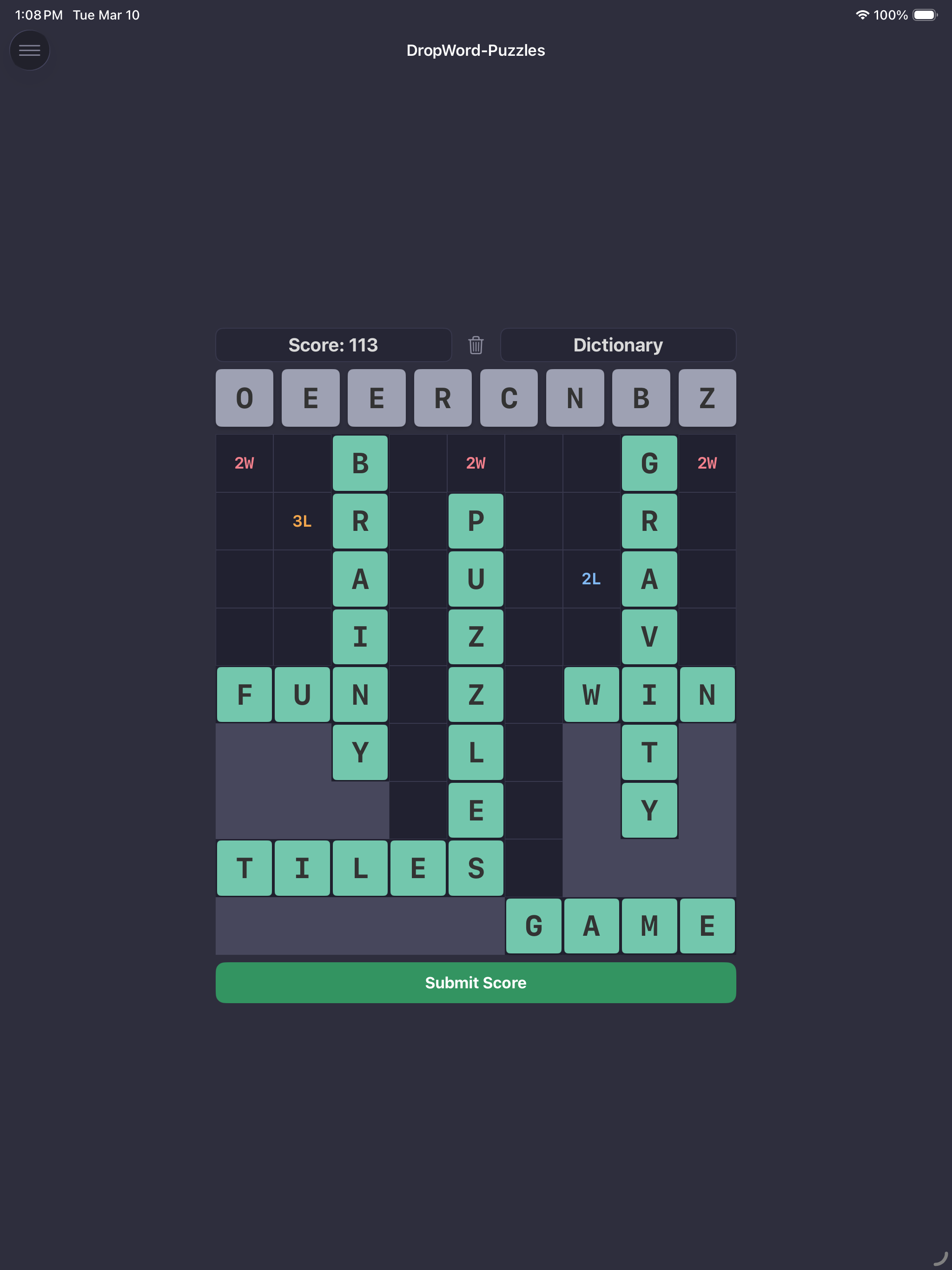
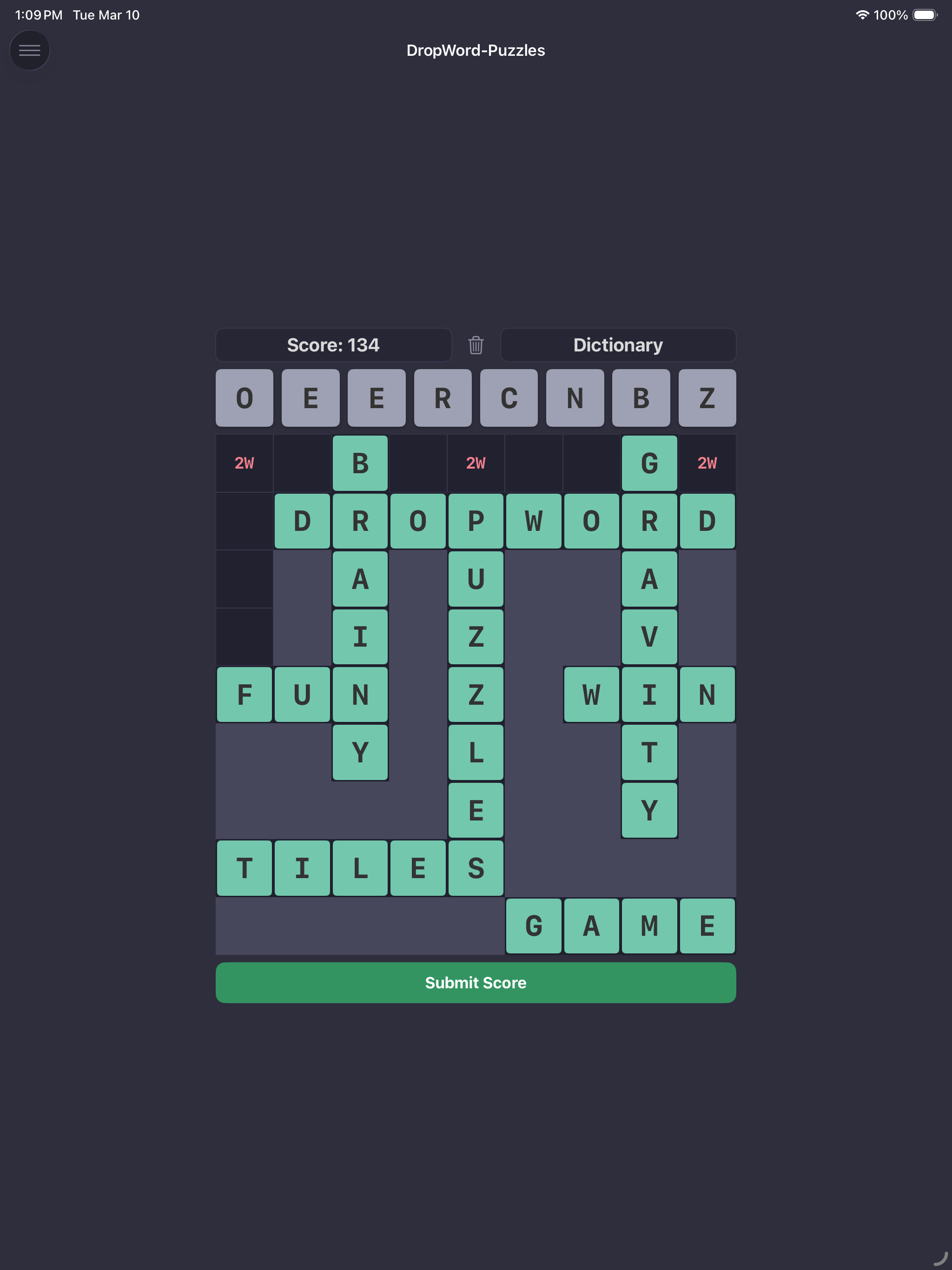
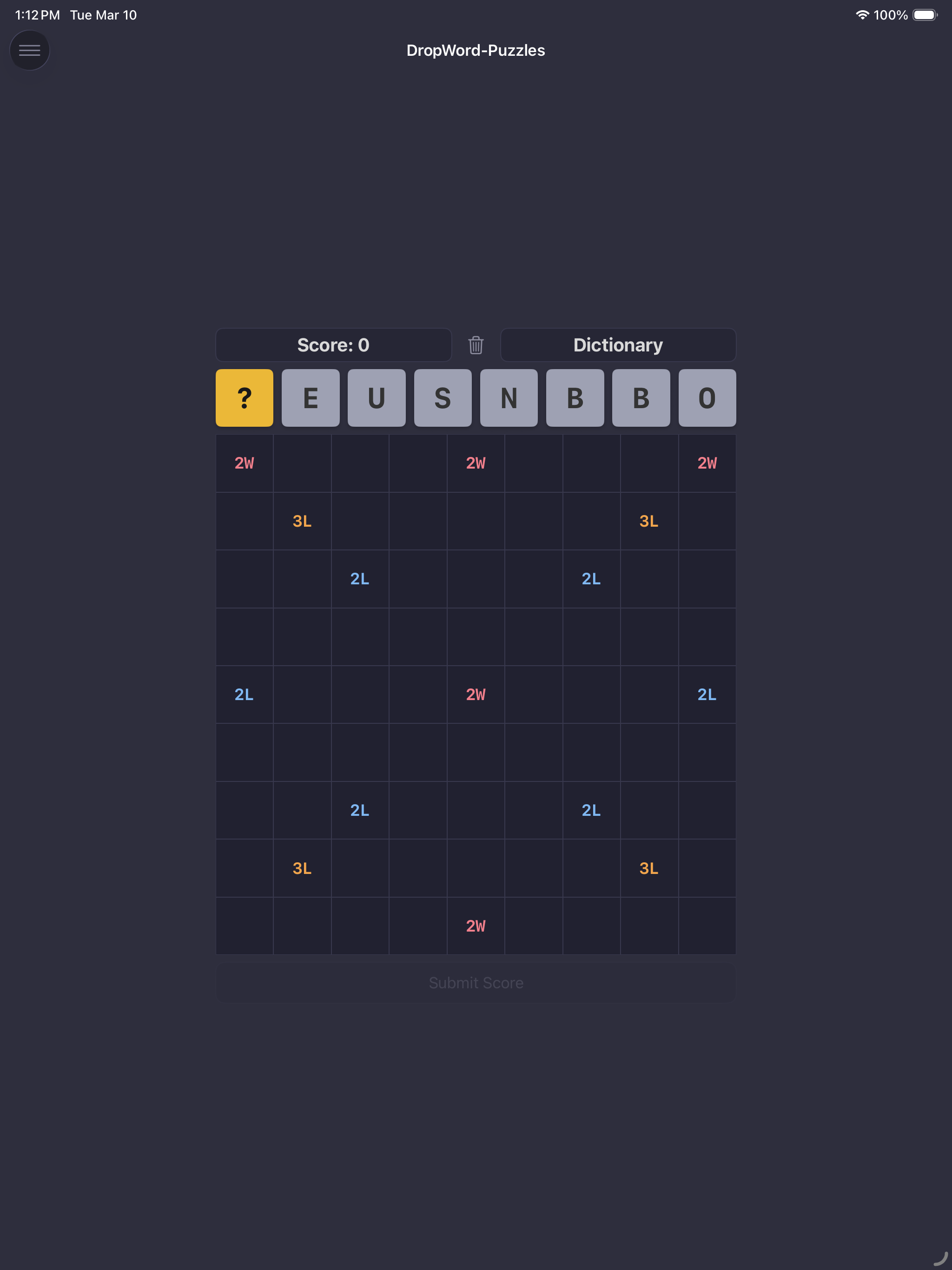
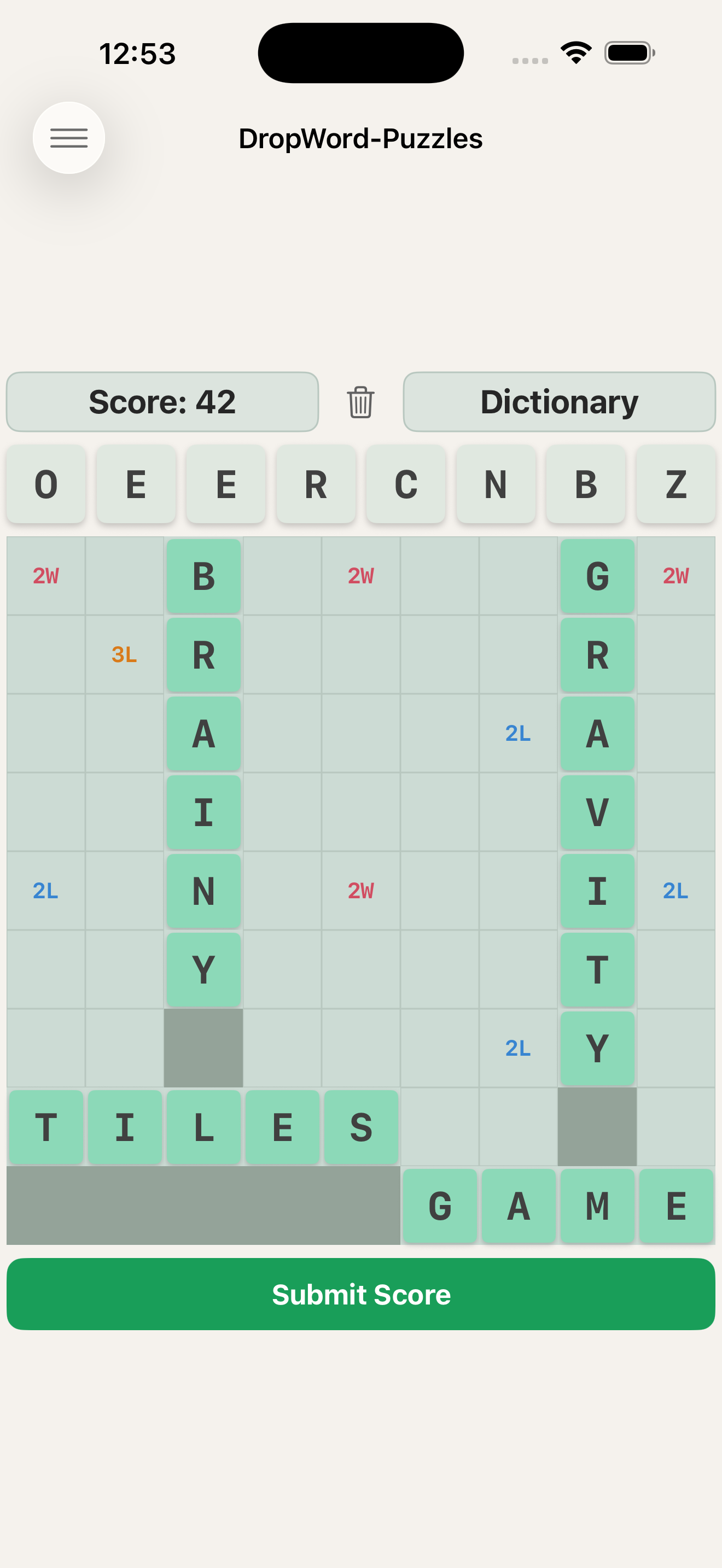
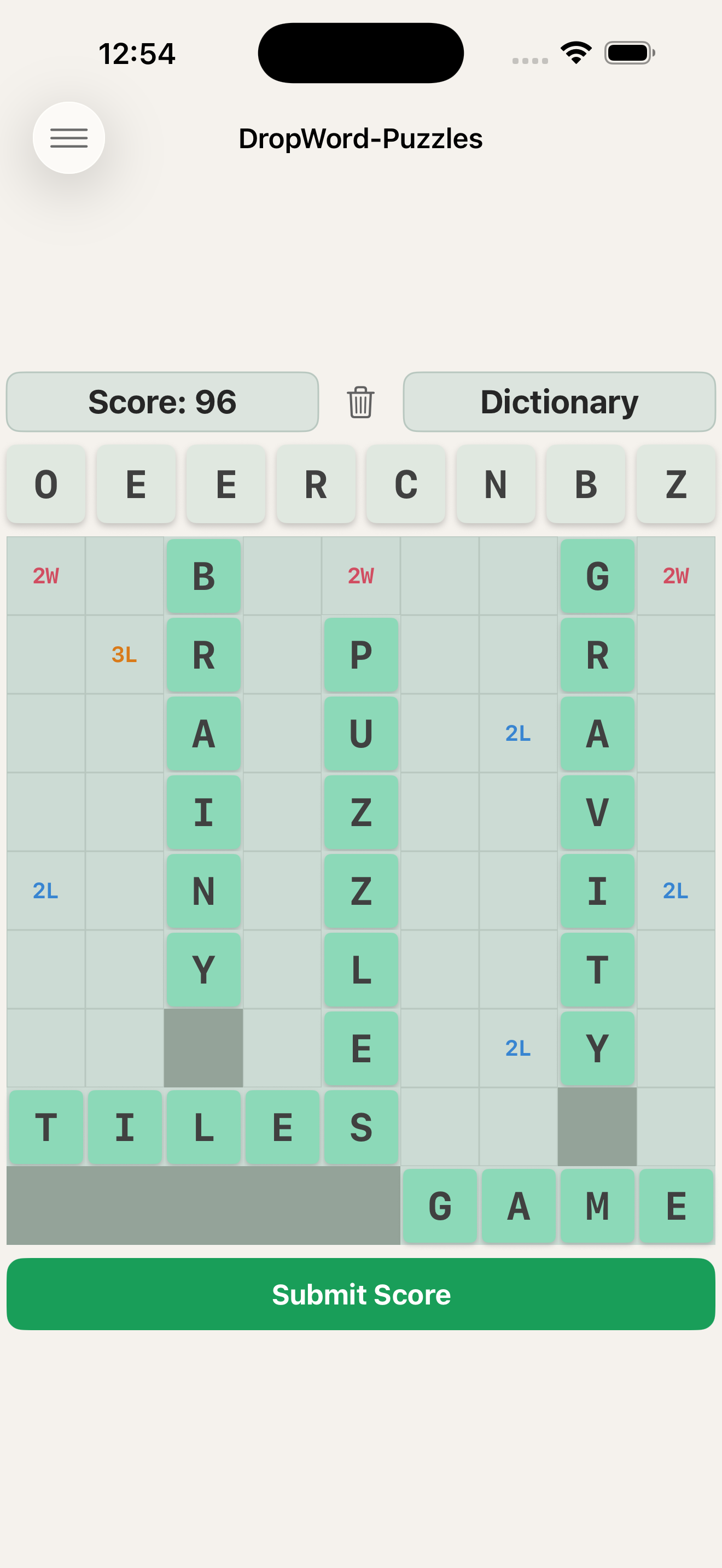
A word-building strategy game where letter tiles fall onto a 9×9 grid. Stack them into words horizontally and vertically, score with classic letter tile values, and plan every drop before it's too late. You decide when to stop — but wait too long and the board decides for you.
Easy to learn. Surprisingly deep.
Download on the App StoreHow It Works
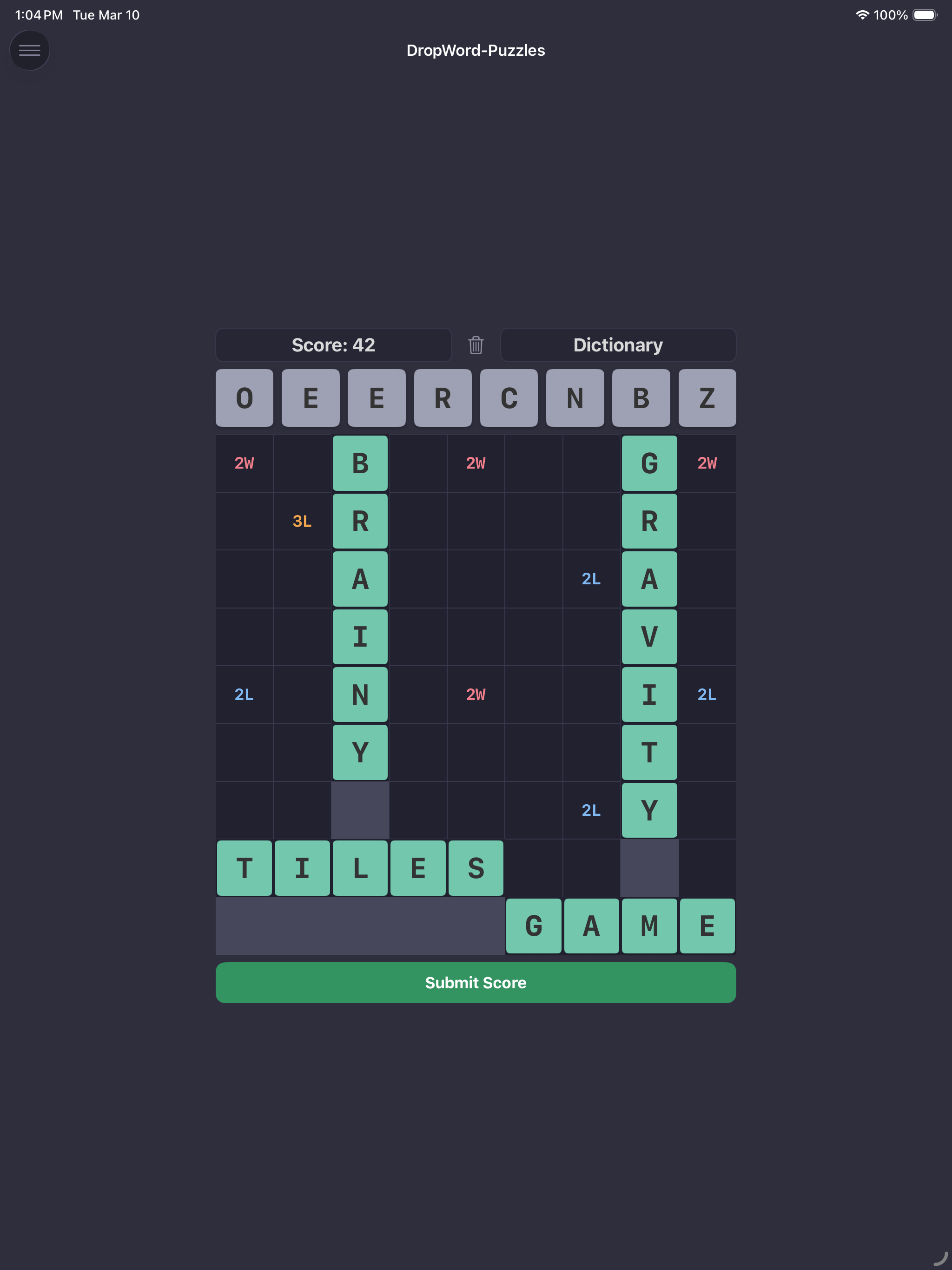
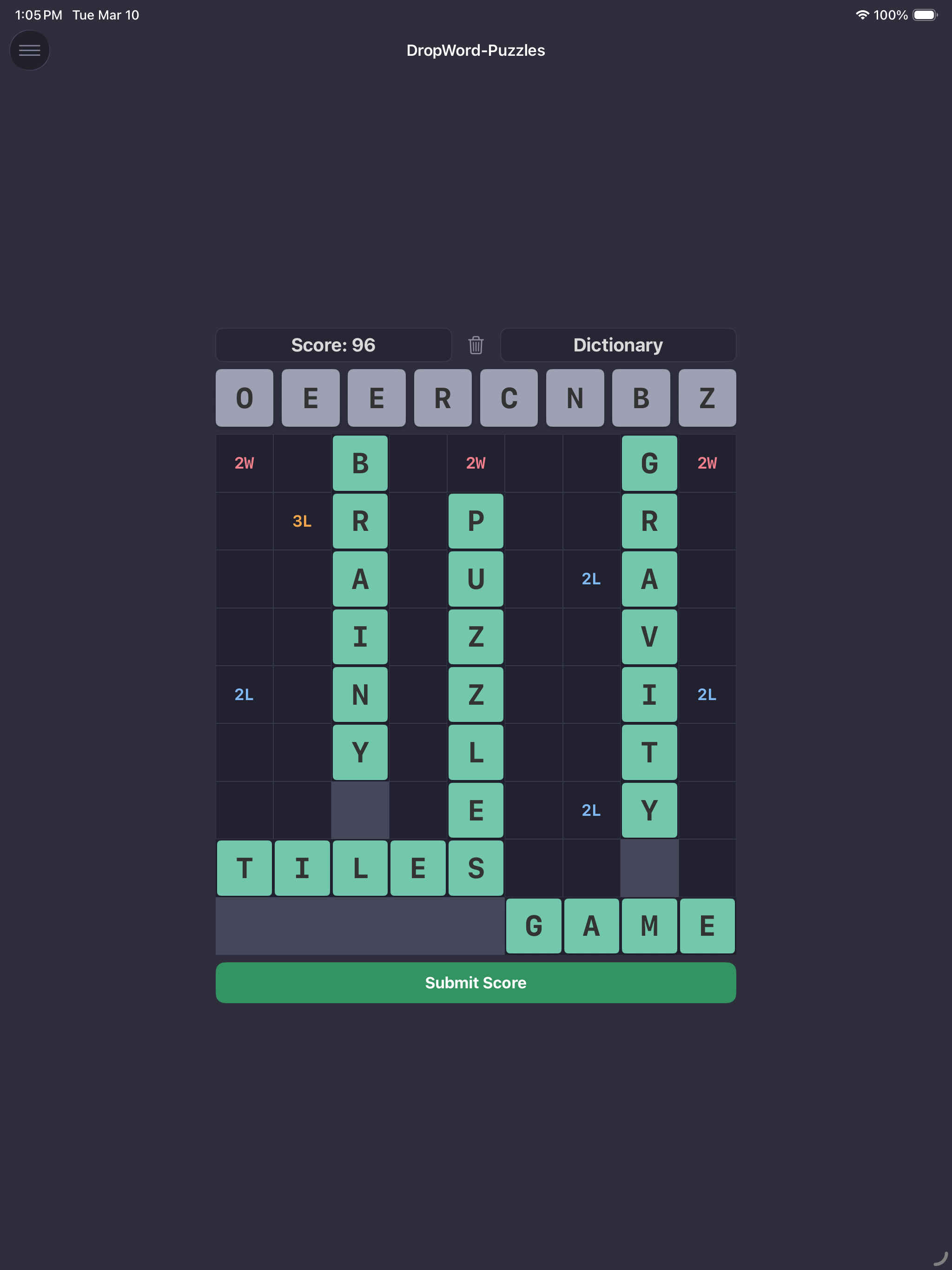
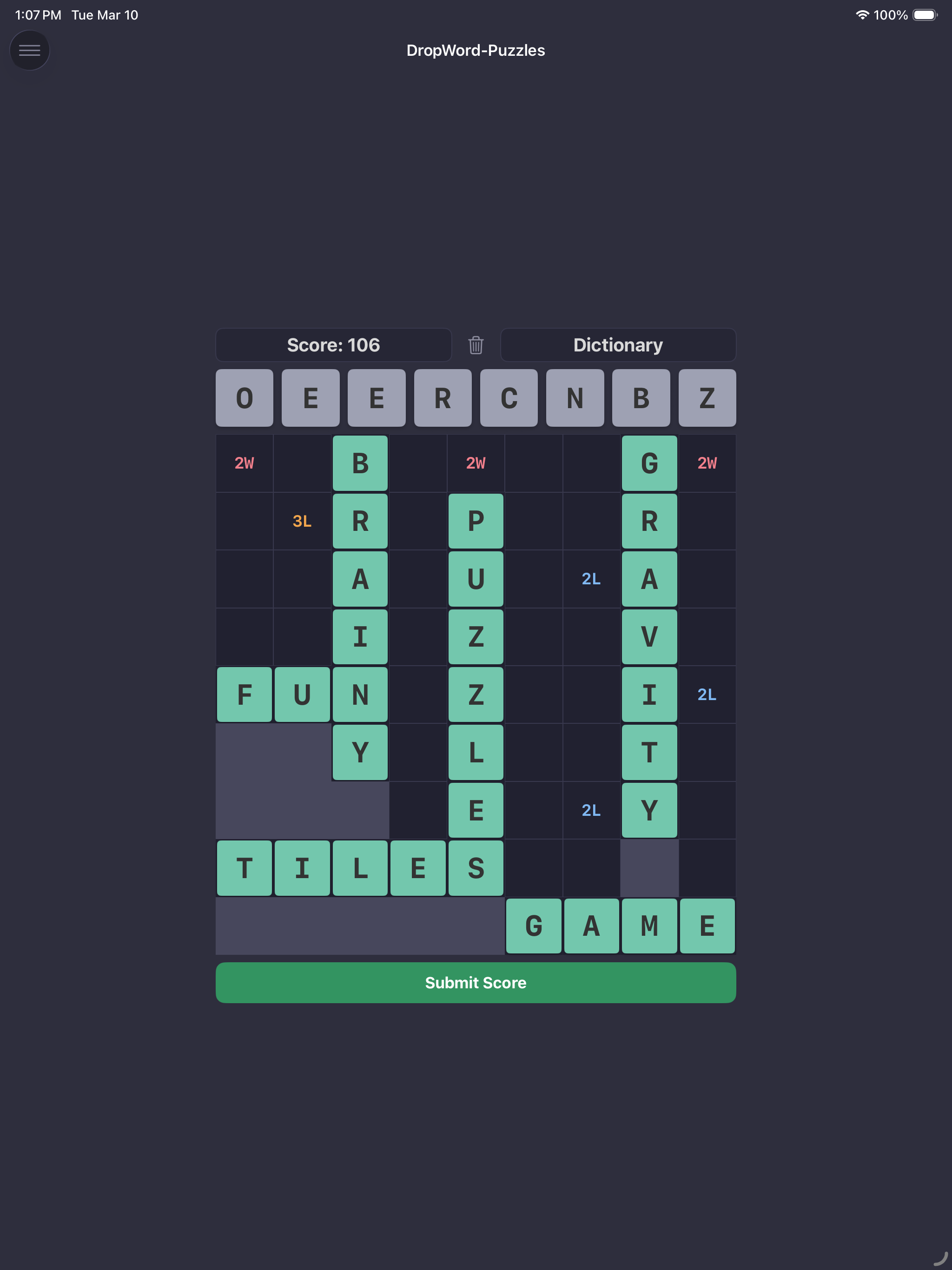
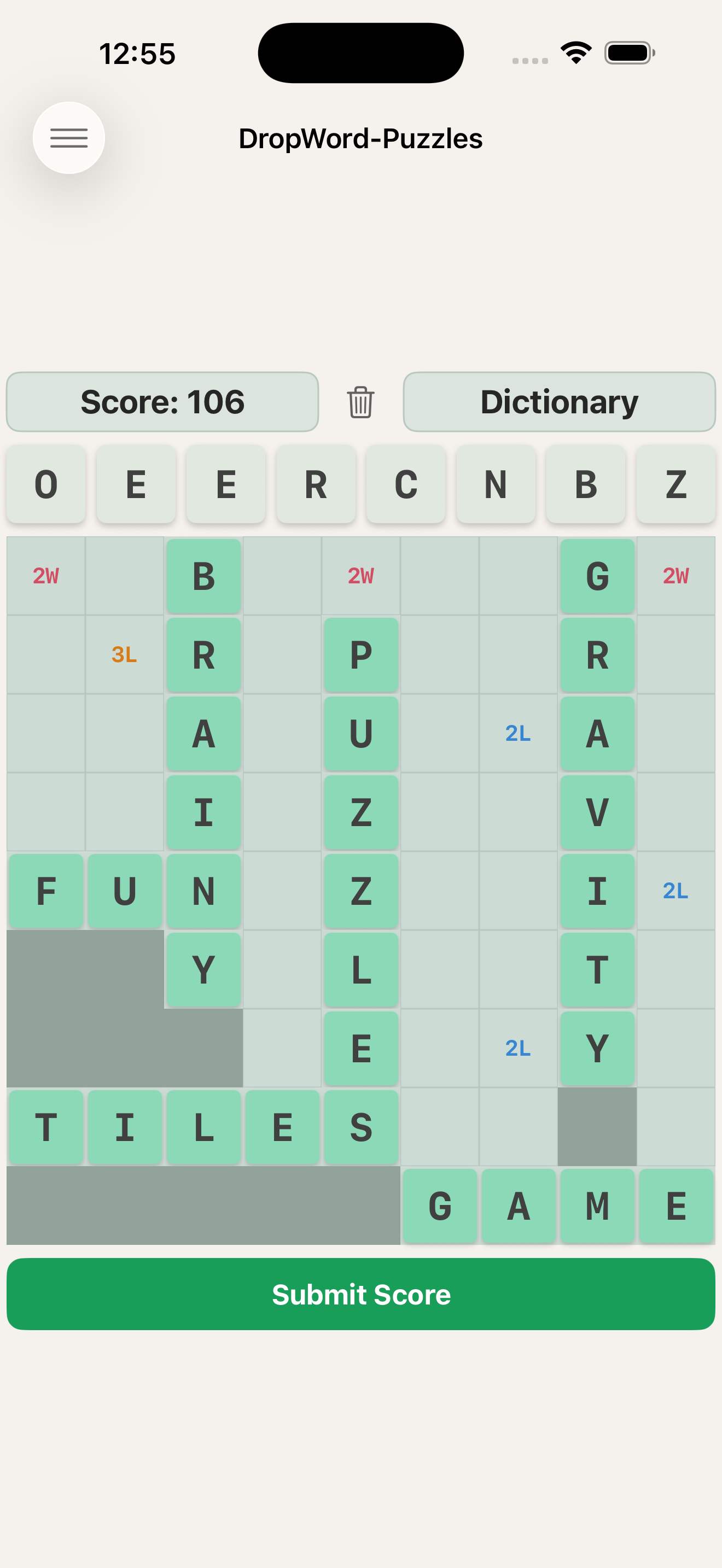
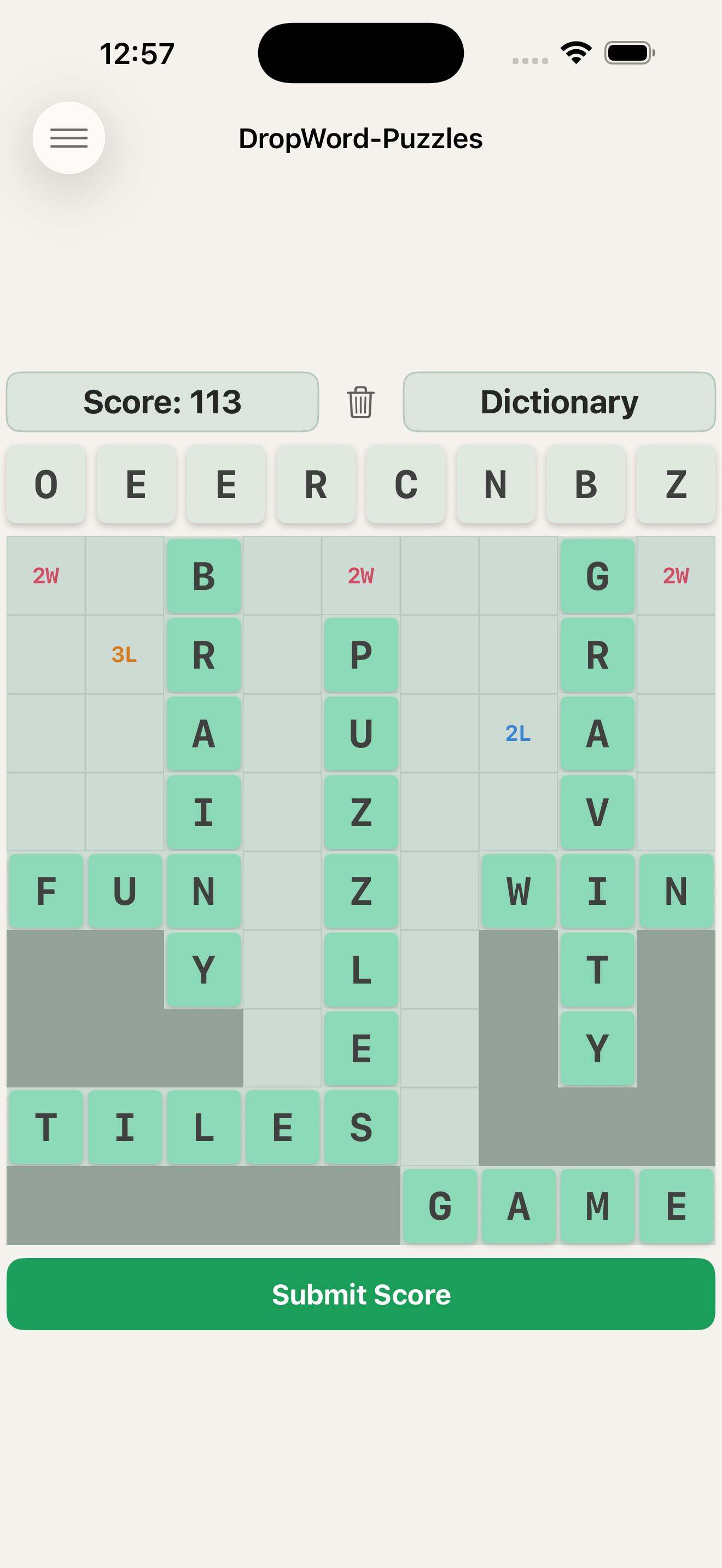
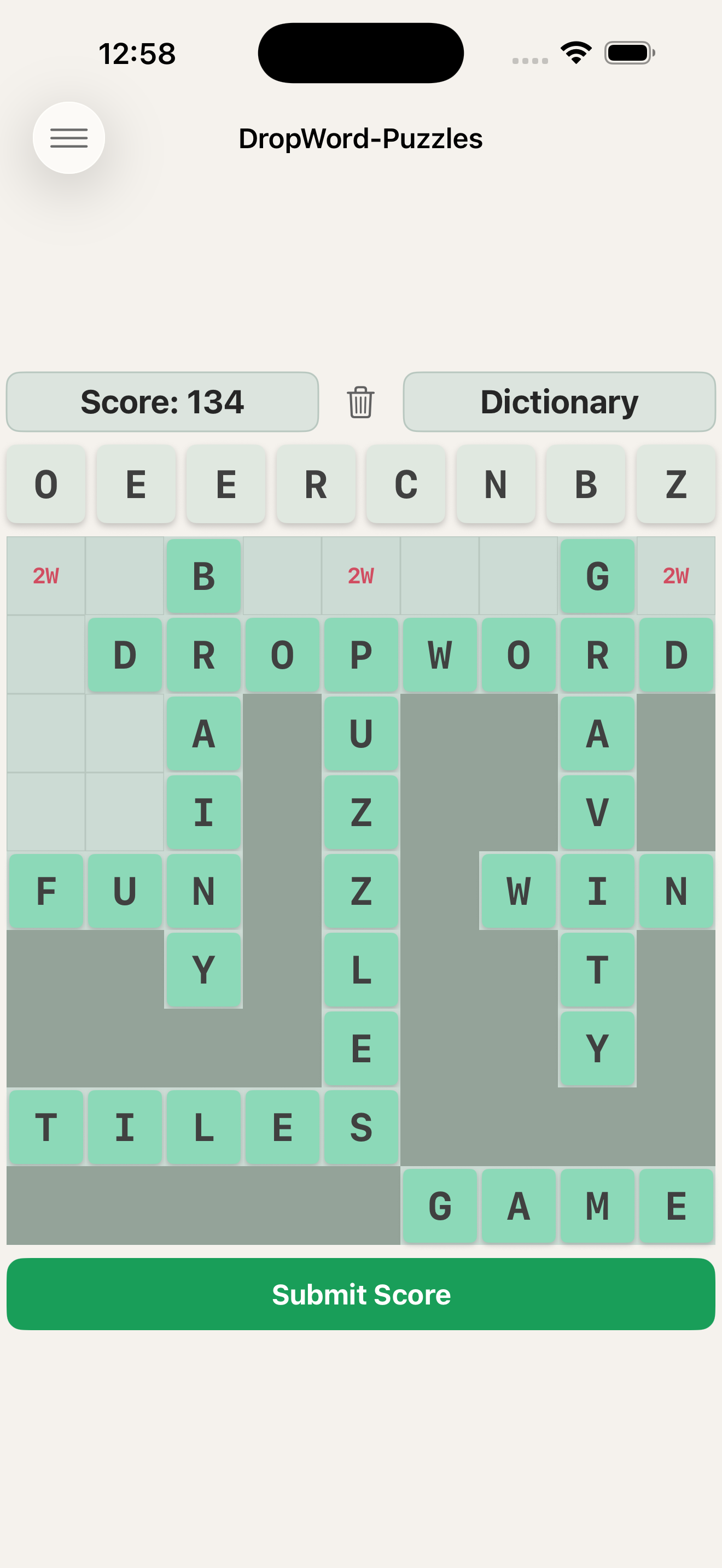
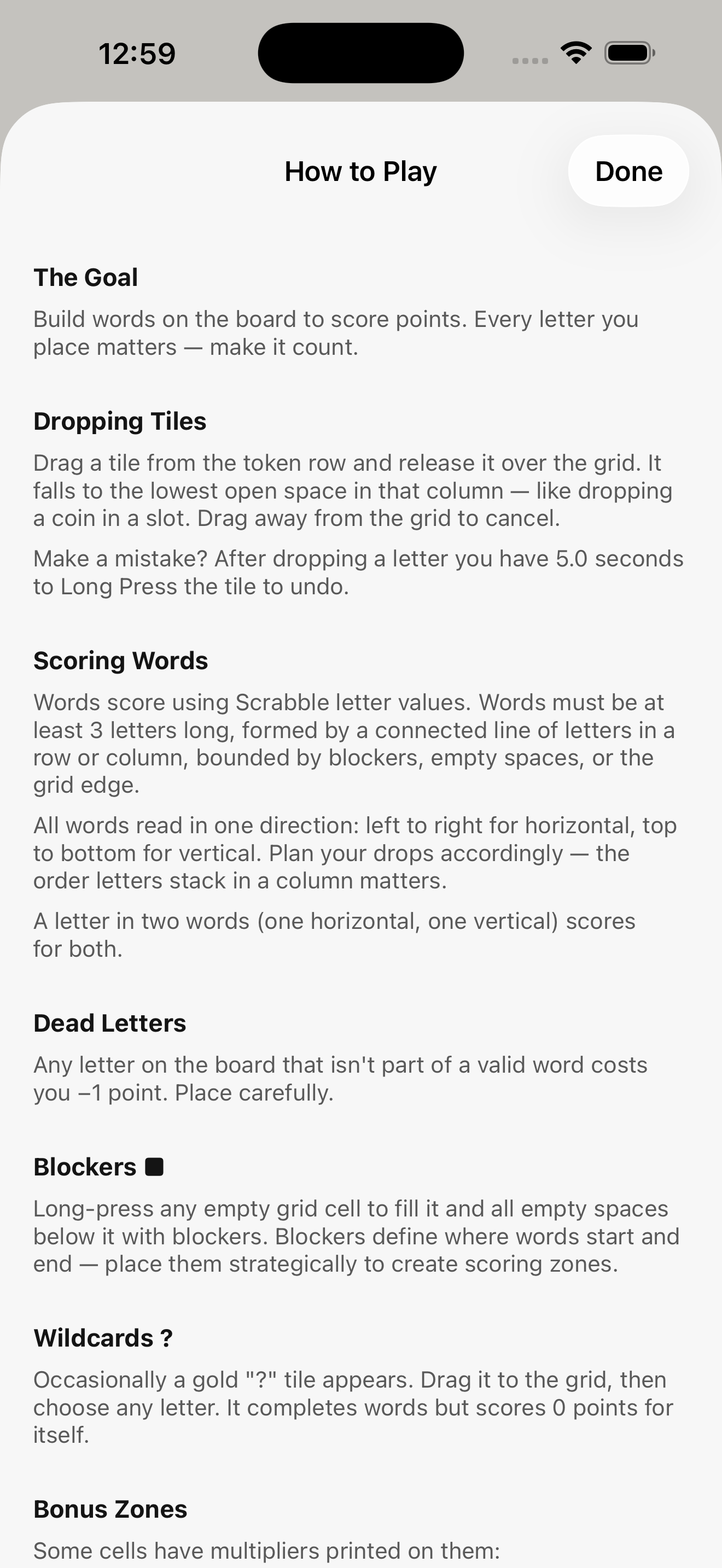
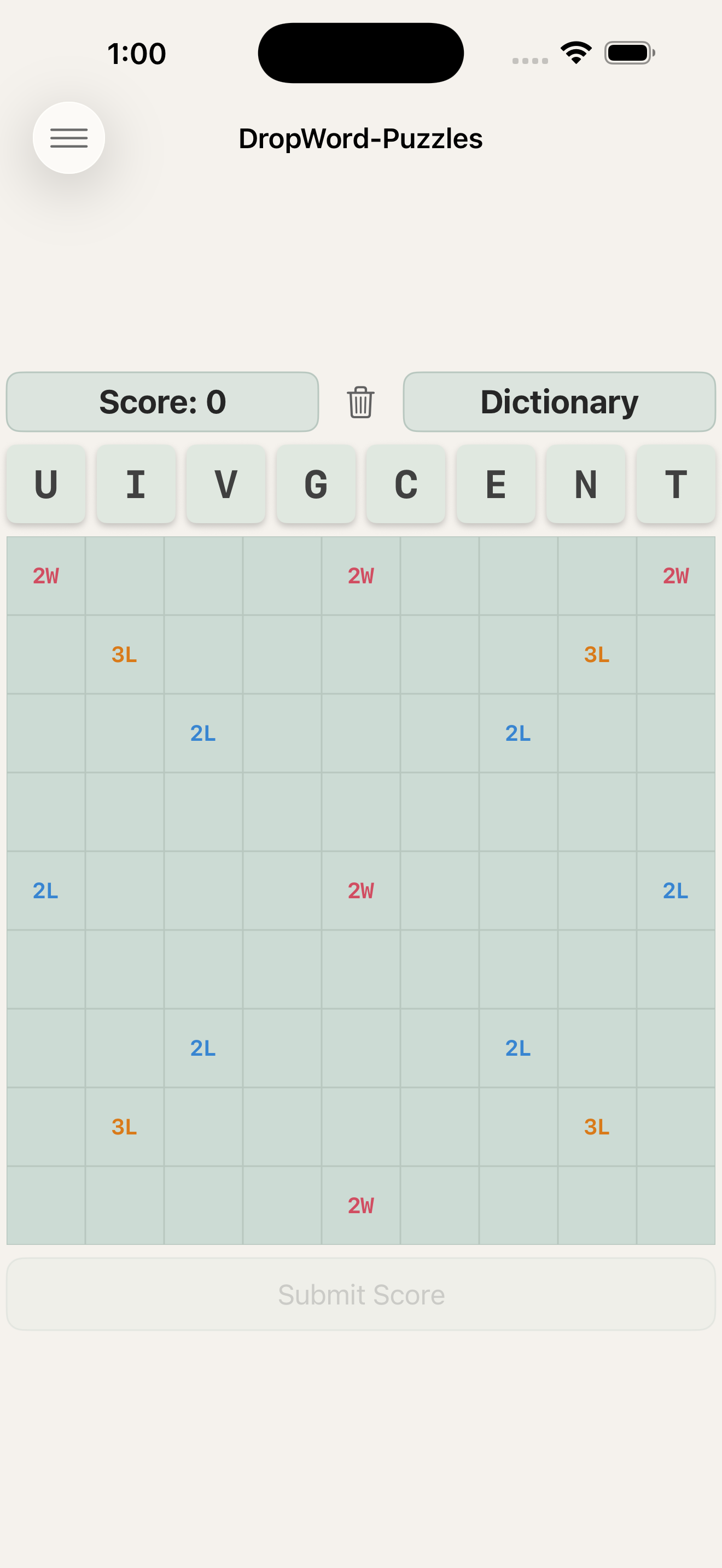
Drag a tile from your hand and release it over the grid — it drops to the lowest open space in that column. Form words left to right across rows, or top to bottom down columns. Every letter you place either scores or costs you.
Score Smart
Words score using classic letter tile values. A letter sitting in two words — one horizontal, one vertical — scores for both. Bonus zones multiply letters and entire words. Dead letters that aren't part of any word cost you points.
Your Tools
- Blockers — long-press the grid to seal off a column and define word boundaries
- Wildcards — rare gold tiles you assign to any letter
- Discard — sacrifice a tile and take the penalty rather than waste a column
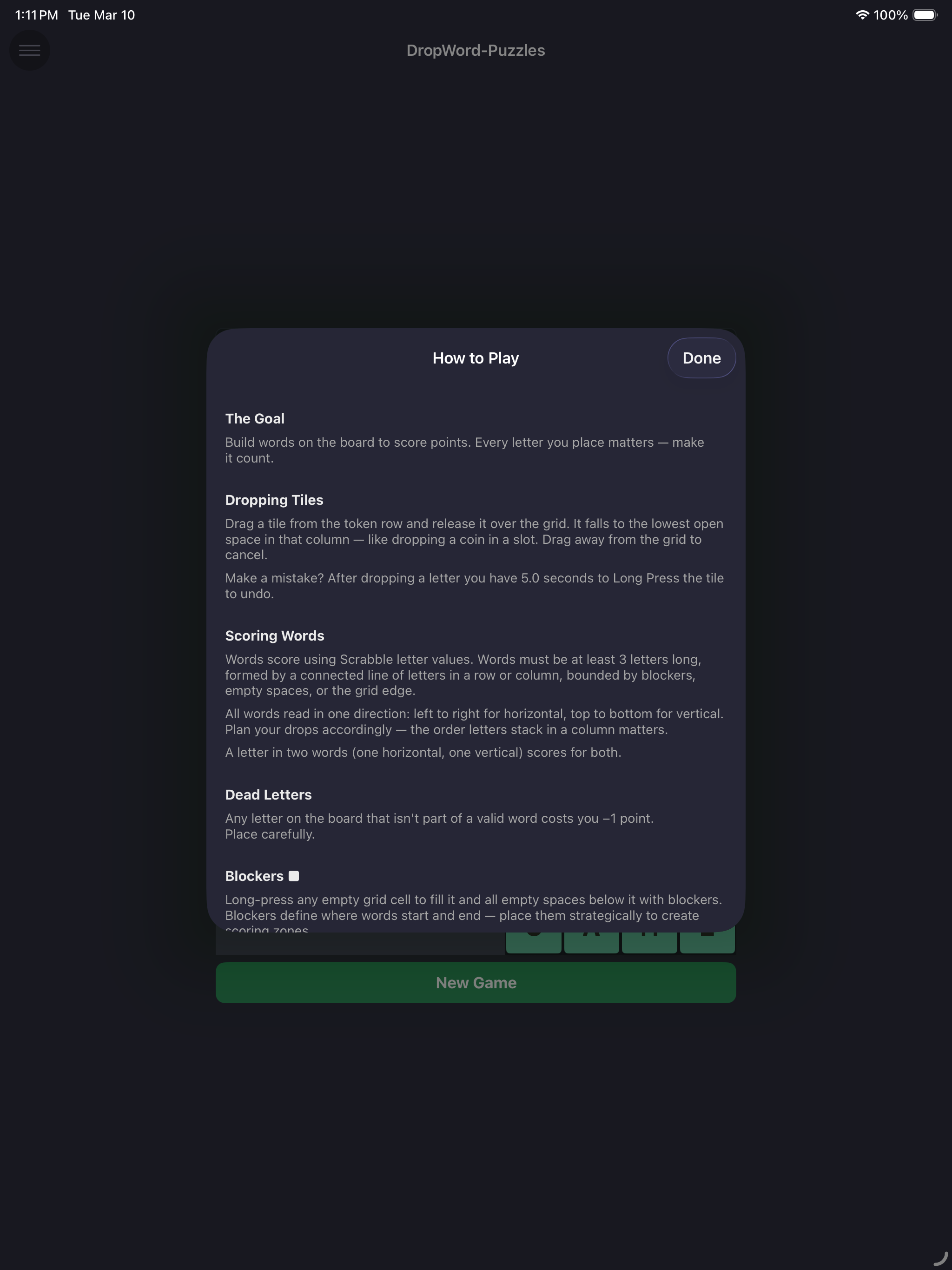
- Undo — long-press a just-placed tile within 5 seconds to take it back
Play Your Way
- Daily Challenge — a new seeded puzzle every day
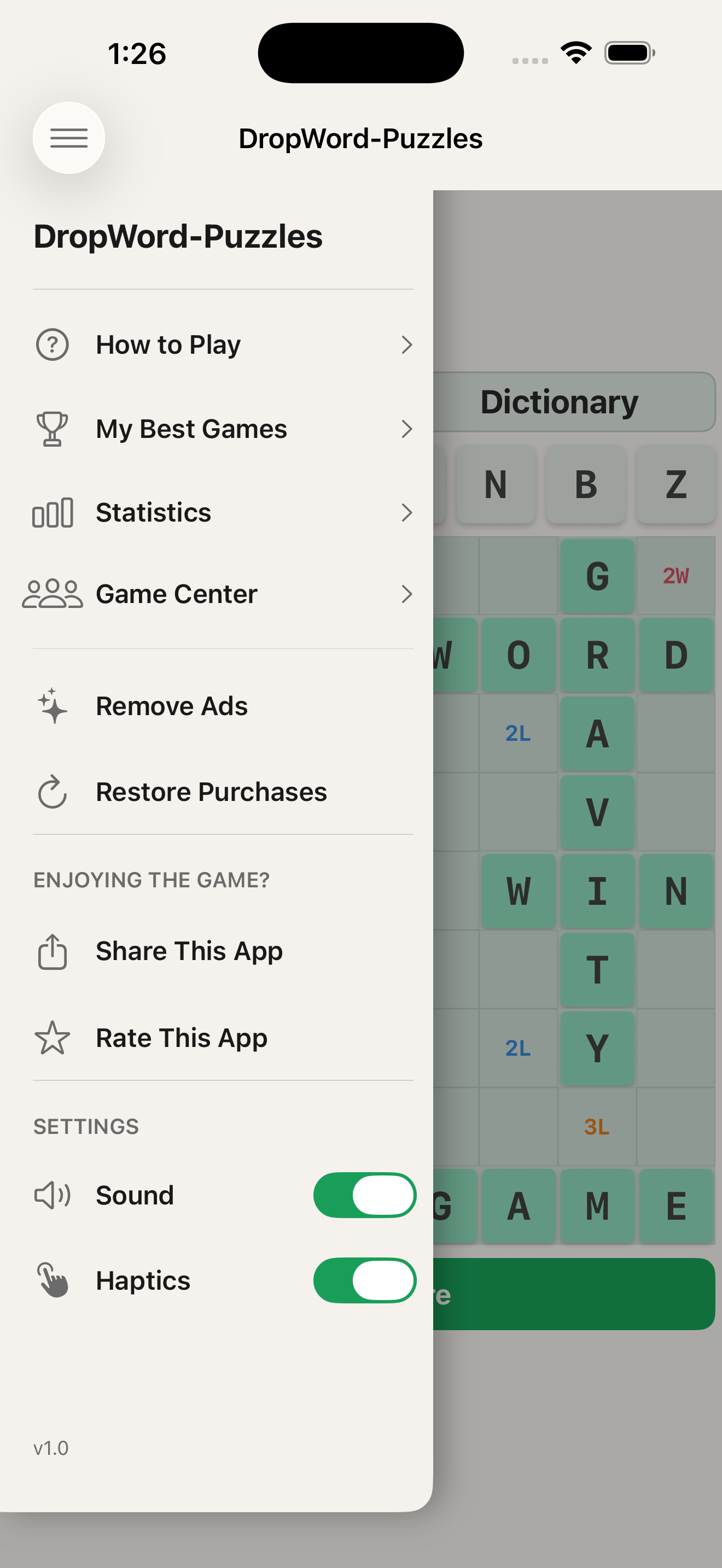
- Statistics — track your best score, best word, and streaks
- Leaderboard — see where you stand with Game Center
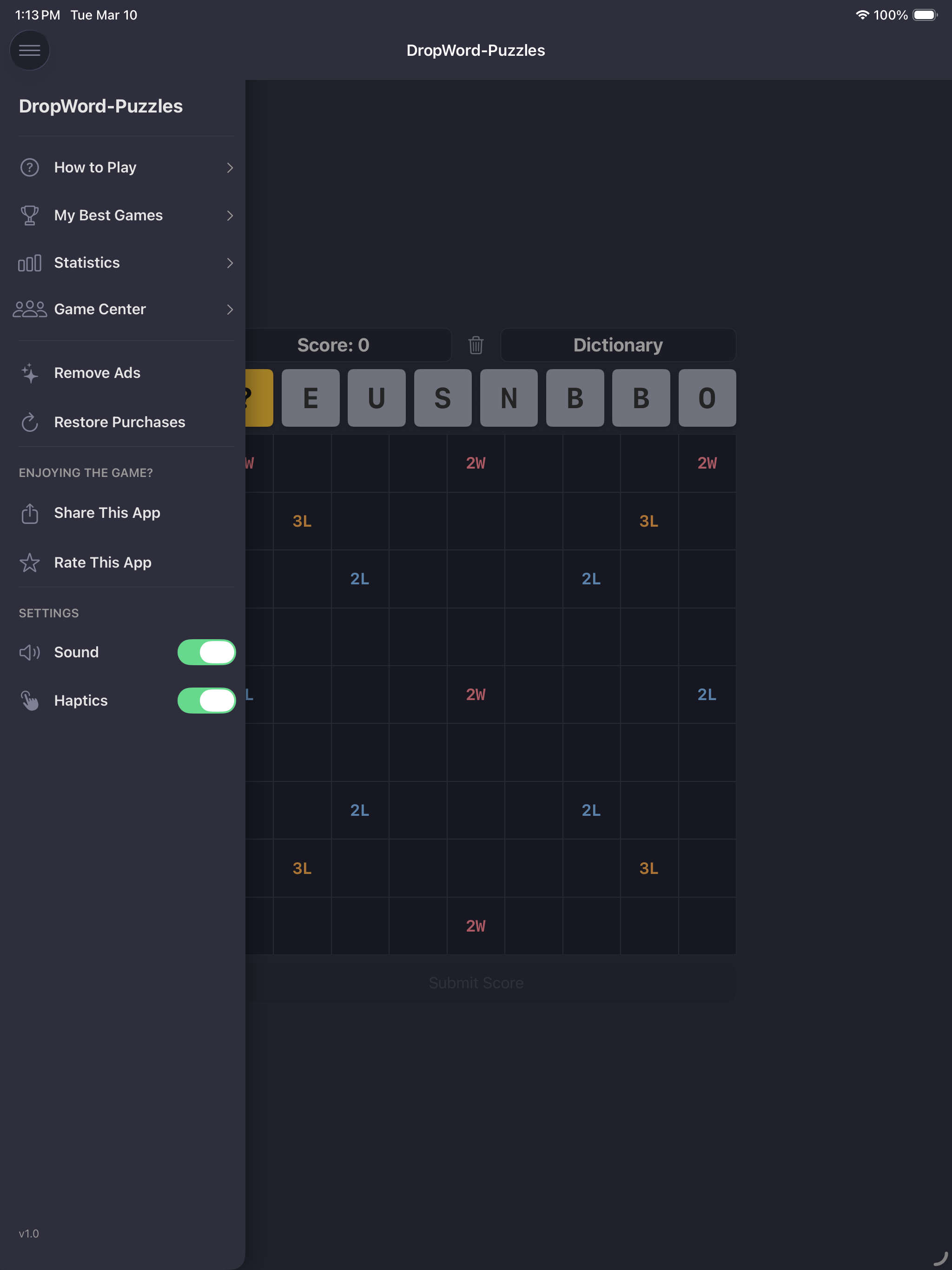
- Light and dark mode, sound and haptics all configurable
iPad
iPhone
Free to download. No subscription. Remove ads with a single one-time purchase.
Get DropWord PuzzlesPrivacy Policy
DropWord Puzzles ("the app") is developed and published by James Border ("I", "me"). This policy explains what data is collected, how it is used, and your choices.
Data I Collect
I do not operate any servers or databases. I do not collect your name, email address, or any account information. All game data (scores, statistics, settings) is stored locally on your device only.
Advertising (Google AdMob)
The app displays ads served by Google AdMob. AdMob may collect and use your device's advertising identifier (IDFA) to serve personalized ads. Before doing so, the app will ask for your permission using Apple's App Tracking Transparency prompt. If you decline, non-personalized ads will be shown instead.
Google's use of your data is governed by the Google Privacy Policy. You can opt out of personalized advertising at any time in your device settings under Privacy & Security → Tracking.
If you purchase the "Remove Ads" option (see below), AdMob is disabled entirely and no advertising data is collected.
In-App Purchase (Remove Ads)
The app offers a one-time non-consumable in-app purchase to remove ads permanently. This purchase is processed entirely by Apple through the App Store. I do not receive or store any payment or financial information. Apple's handling of purchase data is governed by the Apple Privacy Policy.
Game Center
The app integrates with Apple Game Center for leaderboards. If you use Game Center, Apple handles your Game Center profile data. I do not receive or store any Game Center data on external servers. Apple's handling of Game Center data is governed by the Apple Privacy Policy.
Local Storage
The app stores the following data locally on your device only. This data never leaves your device and is not accessible to me:
- Your game scores and statistics
- Your current in-progress game state
- Your app settings (sound, haptics)
- Whether you have purchased the Remove Ads option
Children's Privacy
The app is not directed at children under the age of 13. I do not knowingly collect any personal information from children.
Changes to This Policy
If this policy changes materially, I will update the "Last updated" date at the top of this section. Continued use of the app after any changes constitutes acceptance of the updated policy.
Contact
If you have questions about this privacy policy, you can reach me at: james@jamesborder.com
Support
Thanks for playing DropWord Puzzles! If you're running into an issue or have a question, this page should help. If not, reach out directly — I'm happy to help.
Frequently Asked Questions
How do I form words?
Words must read left to right in a row, or top to bottom in a column. They must be at least 3 letters long and bounded by a blocker, an empty cell, or the edge of the grid. Diagonal words don't count.
Why isn't my word scoring?
There are a few reasons a word might not score:
- It's fewer than 3 letters long.
- It's not a valid word in the Scrabble dictionary (172,000+ words).
- A cross-connection between your word and an adjacent letter forms an invalid 2-letter combination — this invalidates both words. Try using a blocker to separate them.
What are blockers and how do I place them?
Long-press any empty cell on the grid to fill it and all empty cells below it in that column with blockers. Blockers act as word boundaries — use them to define where words start and end, and to separate letters that would otherwise form invalid cross-connections.
What is the wildcard tile?
A gold "?" tile occasionally appears in your tile row. Drag it to the grid and you'll be prompted to choose any letter. The wildcard completes words normally but scores 0 points for itself.
How does the undo work?
After placing a tile, you have 5 seconds to undo. Long-press the tile you just placed — it will pulse with an amber border while the undo window is open. Undo works for letter drops, wildcard placements, and blocker fills. There is no penalty for undoing.
How does the discard work?
Drag an unwanted tile upward toward the score bar and release it. A confirmation dialog will appear. Discarding costs 2 points — sometimes worth it to avoid a dead letter sitting on the board costing you 1 point per turn.
When does the game end?
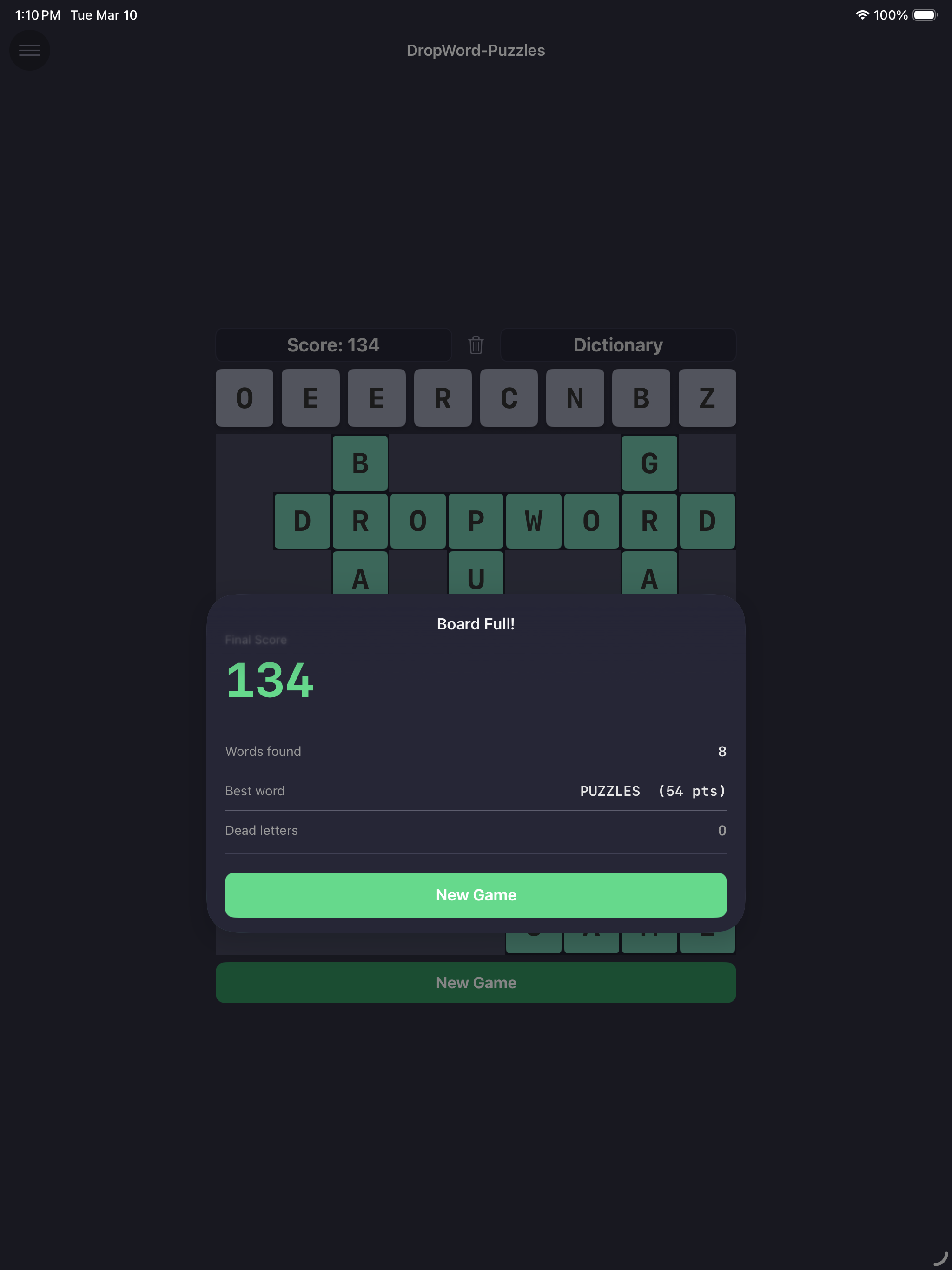
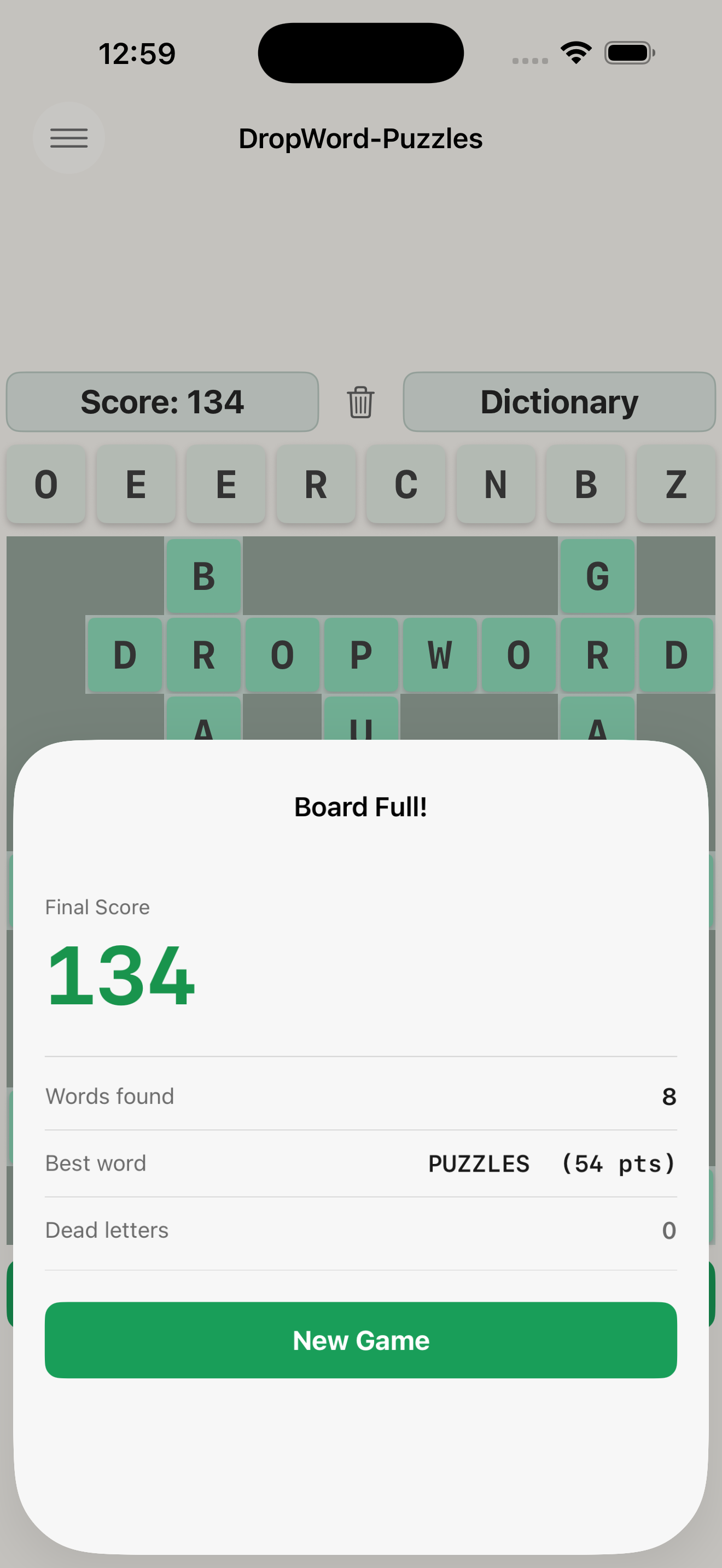
Once a letter tile reaches the top row of the grid, a "Submit Score" button becomes available — you can choose to end the game and bank your score at any time from that point. If you keep going and a column fills completely with nowhere left to drop, the game ends automatically.
What is the Daily Challenge?
Every day a new seeded puzzle is available — everyone gets the same starting tiles. Your Daily Challenge score is submitted to the leaderboard so you can compare with other players.
I purchased Remove Ads but ads are still showing.
Try restoring your purchase: open the side menu and tap "Remove Ads" — if you've already purchased, you'll see a Restore option. Make sure you're signed in to the App Store with the same Apple ID used for the original purchase.
My stats or high score disappeared.
Game data is stored locally on your device. If you deleted and reinstalled the app, or restored from a backup, local data may not have carried over. Unfortunately this data cannot be recovered once lost. Going forward, your data persists as long as the app remains installed.
Still need help?
Email me directly and I'll get back to you as soon as I can: james@jamesborder.com